Step 5: Open the pay run
Step by step guide to running a payroll
To run payroll, the period being paid must be opened. To open a payroll period:
- Go to Payroll.
-
If using more than one pay schedule, select the tab for the required schedule or frequency.
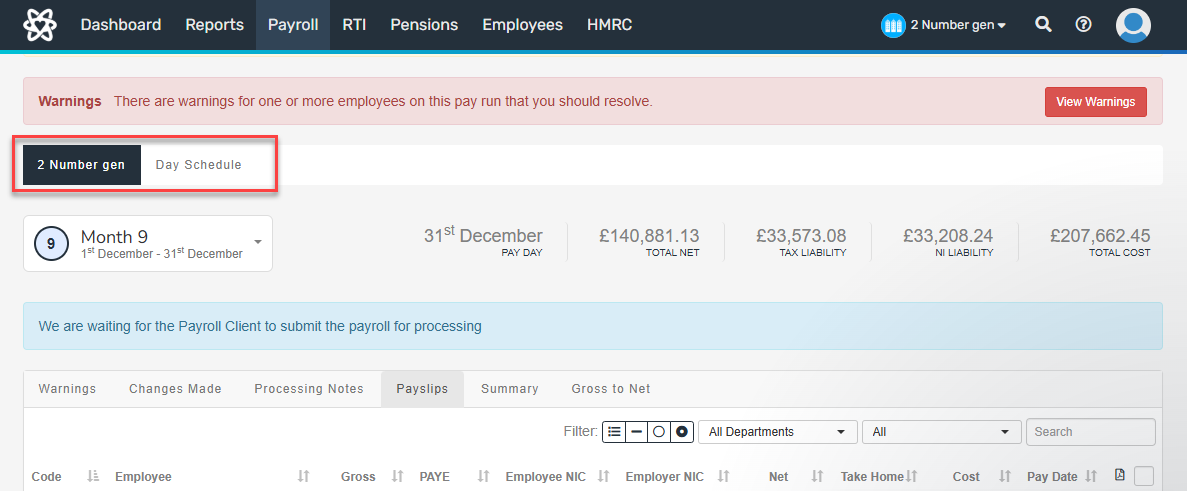
- To open the pay run, select Start New Schedule Pay Run.
-
Check the period set is correct. If not, the previous period needs to be finalised.

Step 6: Check HMRC notices.