Statutory Pay
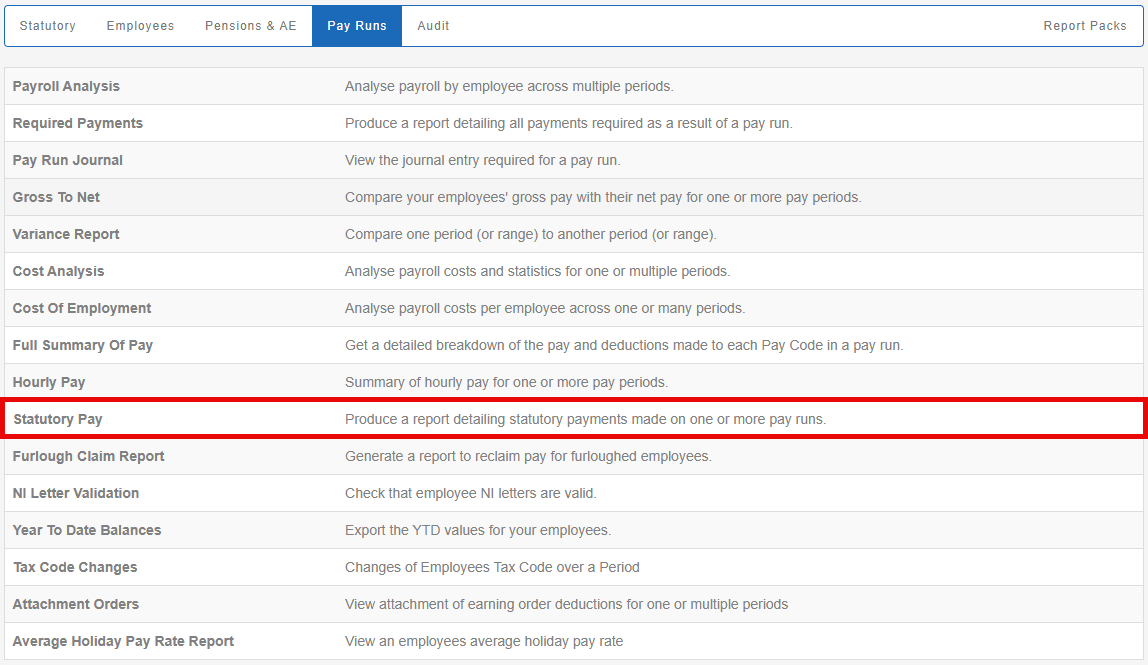
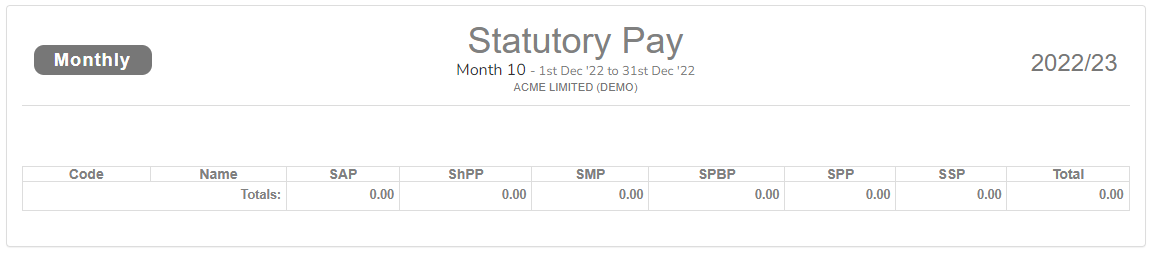
Produce a report detailing statutory payments made on one or more pay runs.
-
Open the required company.
-
Go to Reports.
-
Select Pay Runs.

-
Select Statutory Pay.
-
Choose the Tax Year.
-
Choose the Month, and to Month.
-
Choose the Pay Types.

-
Select Preview.
-
Select Download as.. (if required)
-
Download as PDF.
-
Download as CSV
-
Example...
-
Statutory pay. PDF
-
Statutory pay. CSV