Import and update benefits
You can create or update employee benefits in bulk. This allows you to manage benefits efficiently without manually editing each record.
Use the example files as a starting point.
Example...
-
Benefits Example: Example CSV
-
Open the required company.
-
Go to Payroll.
-
Start the payroll run.
-
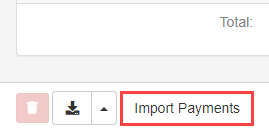
Select Import payments.
-
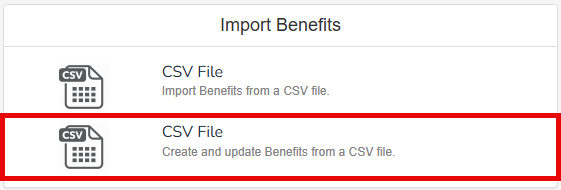
Select Benefits.

-
Select CSV File.
-
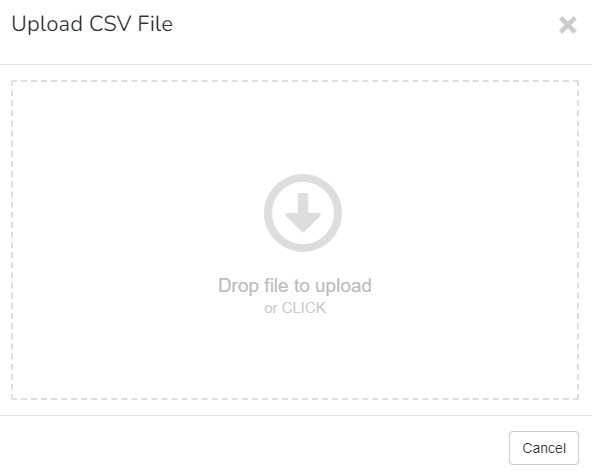
Drag the file from your device or click to browse.
All benefit imports will run asynchronously, allowing you to continue working while imports process in the background.
Employee Benefits Import – Field Reference
| Field Name | Accepted Values |
| Type | Other, Multiple, CorporateHospitality, Boat, Aircraft, TimeshareAccommodation, HolidayAccommodation |
| Use of Asset Type | Other, Multiple, CorporateHospitality, Boat, Aircraft, TimeshareAccommodation, HolidayAccommodation |
| Class 1A Employers pay these directly on their employee’s expenses or benefits. Type | Other, Multiple, StopLossCharges, NonQualifyingRelocationBenefit, EducationalAssistance, SubscriptionsAndFees |
| Non Class 1A Type | Other, Multiple, LoansWrittenOrWaived, NurseryPlaces, EducationalAssistance, SubscriptionsAndFees |
| Payment Type | Other, SeasonTickets, PrivateCarExpenses, PrivateEducation, AccountancyFees, DomesticBills, Multiple |
| Benefit to Date Opening Balance | 0.00 |
| Is Period Value | True, False |
| Start Date | dd/mm/yyyy |
| End Date | dd/mm/yyyy |
| Use Pro Rata | True, False |
Fields which can be updated:
-
Type.
-
Declaration Type.
-
Tax Year.
-
Description.
-
Make and Model.
-
Registration.
-
First Registered.
-
Has Approved Emissions Value.
-
Co2 Emissions.
-
Engine Size.
-
Zero Emissions Mileage.
-
Fuel Type.
-
Available From.
-
Available To.
-
Days unavailable.
-
List Price.
-
Non-Standard Accessories.
-
Employee Capital Contributions.
-
Employee Private Contributions.
-
Free Fuel.
-
Fuel Available From.
-
Fuel Available To.
-
Free Fuel Reinstated.
-
Benefit to Date Opening Balance.
-
Start Date.
-
End Date.
-
Use Pro Rata.
Good to know...
Import Rules
-
If a unique identifier is present, the benefit will be updated.
-
If a unique identifier is not present, a new benefit will be created.
-
Payroll Code is mandatory to identify the employee.
-
The import will use the same validation as manual benefit changes.
This template includes the unique identifiers for any existing benefits you’ve already recorded.