Resubmit declined time
To resubmit declined time with or without making changes:
-
Open the Staffology HR mobile app.
-
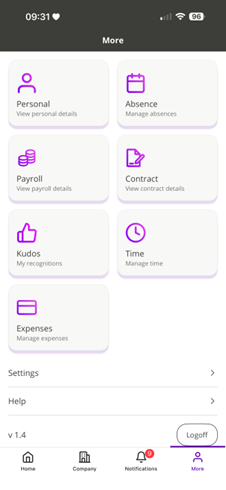
On your Home screen, in the bottom navigation bar, tap More.
-
Select Time.
-
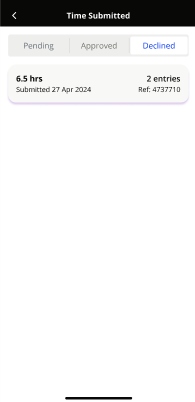
Tap Time Submitted > Declined.
-
Tap on the time request you want to resubmit.
-
Review the details of the time request, then tap Review and Resubmit.
-
When the pop-up message appears, tap Move to move the time request back to Ready to submit.
-
Do one of the following:
-
Tap the time request to make changes, then resubmit it, or
-
Select the checkbox on the time tile and tap the Send icon in the bottom-right corner
-